
It never runs
Copying by hand works until you forget. Without a schedule, your last backup ends up being months old.
AMBackup protects your documents, photos and work folders with AES-256 encryption, incremental backups and a schedule that never forgets. If you ever lose a file, you get it back in a few steps and without typing a single command.
The problem
Having a folder called “backup” is not having a backup. What saves the day is a backup that ran by itself, that you can verify and that restores without fighting the command line.
Copying by hand works until you forget. Without a schedule, your last backup ends up being months old.
Documents, desktop, photos, Outlook mail, browser profiles… the important things are almost never in a single folder.
When there is finally a backup, you have to remember commands, paths and versions. And that is when something breaks.
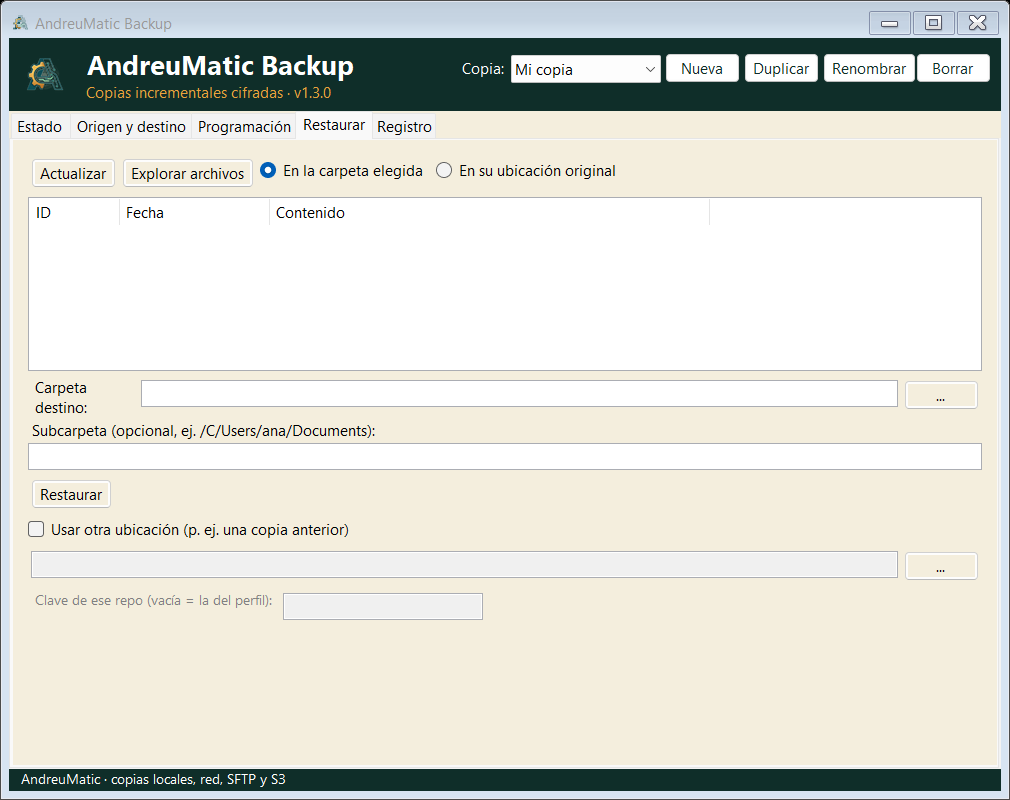
Restore
Open the Restore section, choose the profile and the backup date, tick what you want back and decide where: to its original location or to a clean folder so you can check before overwriting.
Features
These are the features version 0.9.2 ships with from day one. All of them, in the free version.
Your backups are encrypted on the computer before anything is written. Neither the disk, nor the network, nor the cloud provider sees the contents.
Only what changes is stored, and repeated blocks are shared. A hundred backups do not take a hundred times the space.
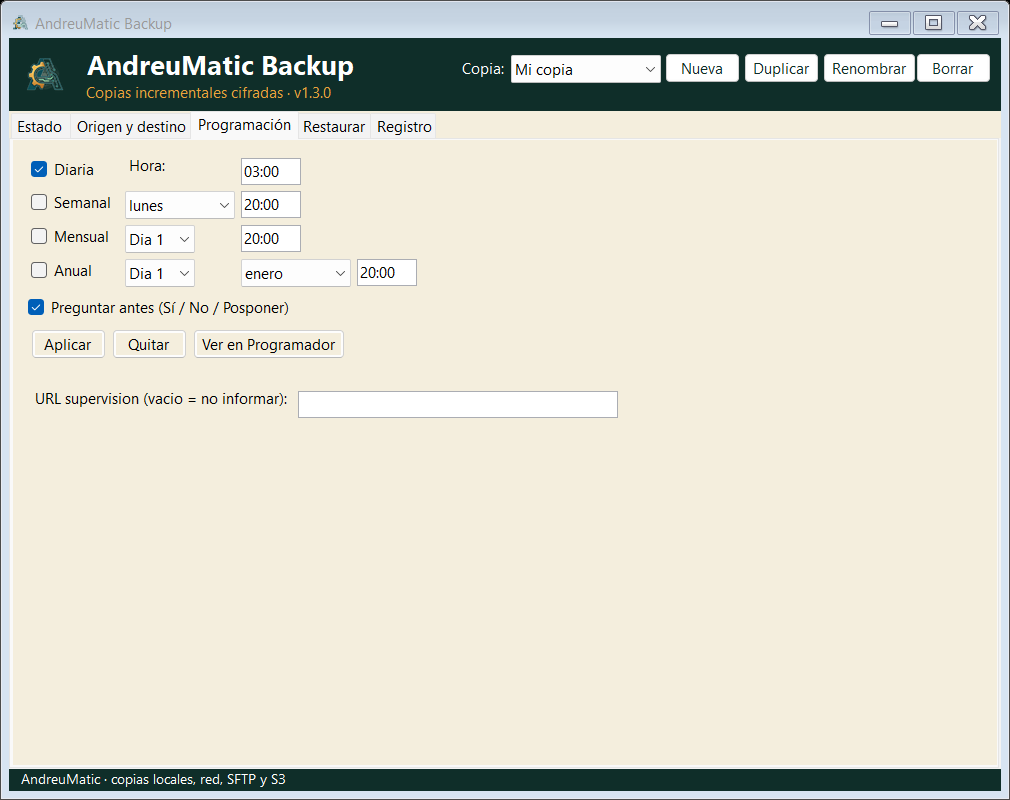
Daily, weekly, monthly or yearly, with a time. It is registered in Windows Task Scheduler and survives restarts.
Local or USB disk, SMB network drive, SFTP server and S3-compatible storage. Plus an optional second copy somewhere else.
Checks a sample of the stored data to catch corruption before you really need it.
Keeps daily, weekly and monthly backups and removes old ones according to your policy. Without filling the disk.
One profile per computer, per user or per type of backup: each with its own folders, its destination and its schedule.
A command line to launch backups from scripts or your own tasks, with clear exit codes.
No accounts, no tracking, no phoning home. The only optional connection is the failure alert you set up.
Screenshots
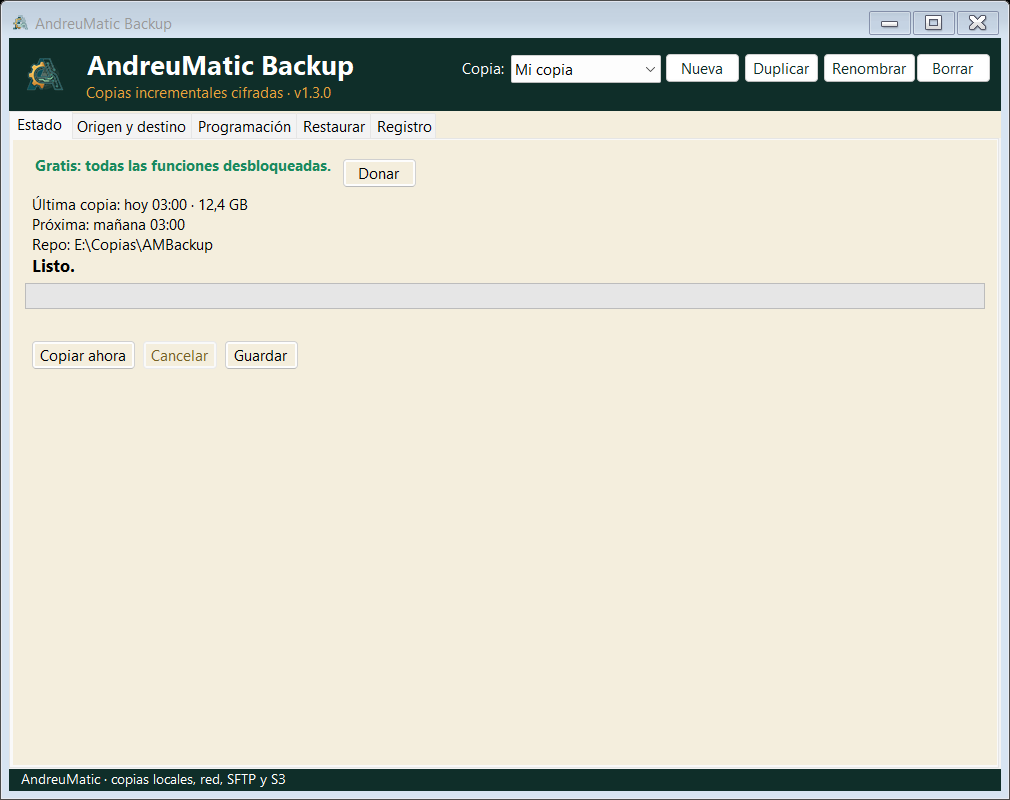
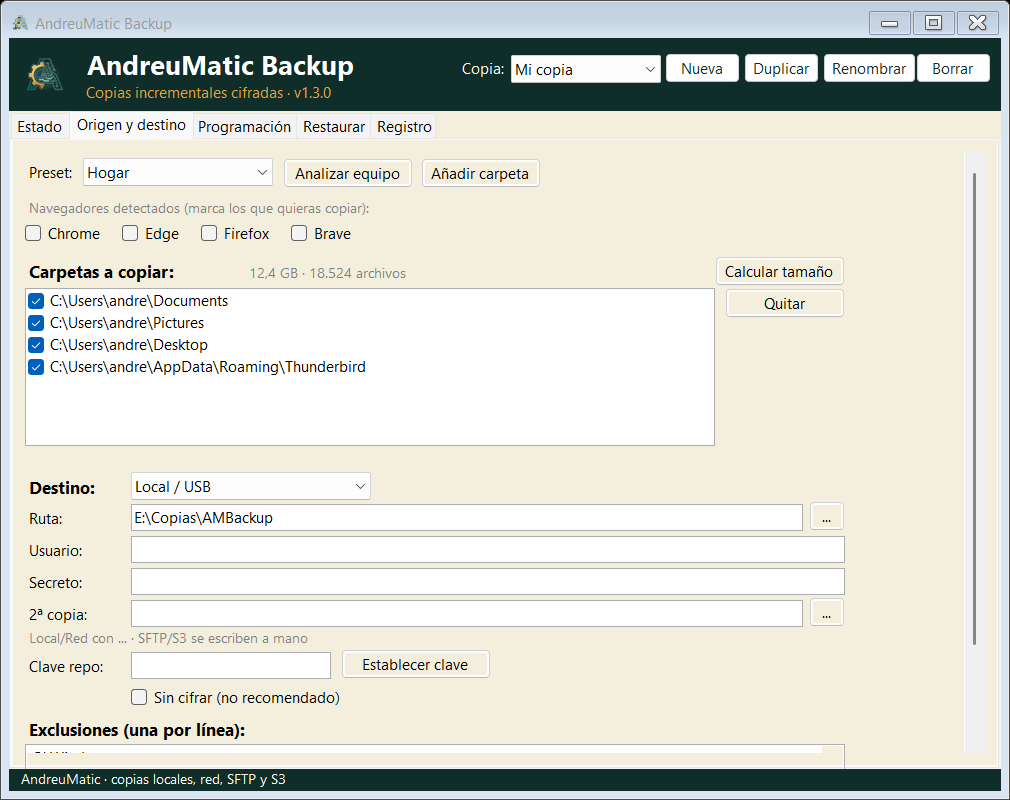
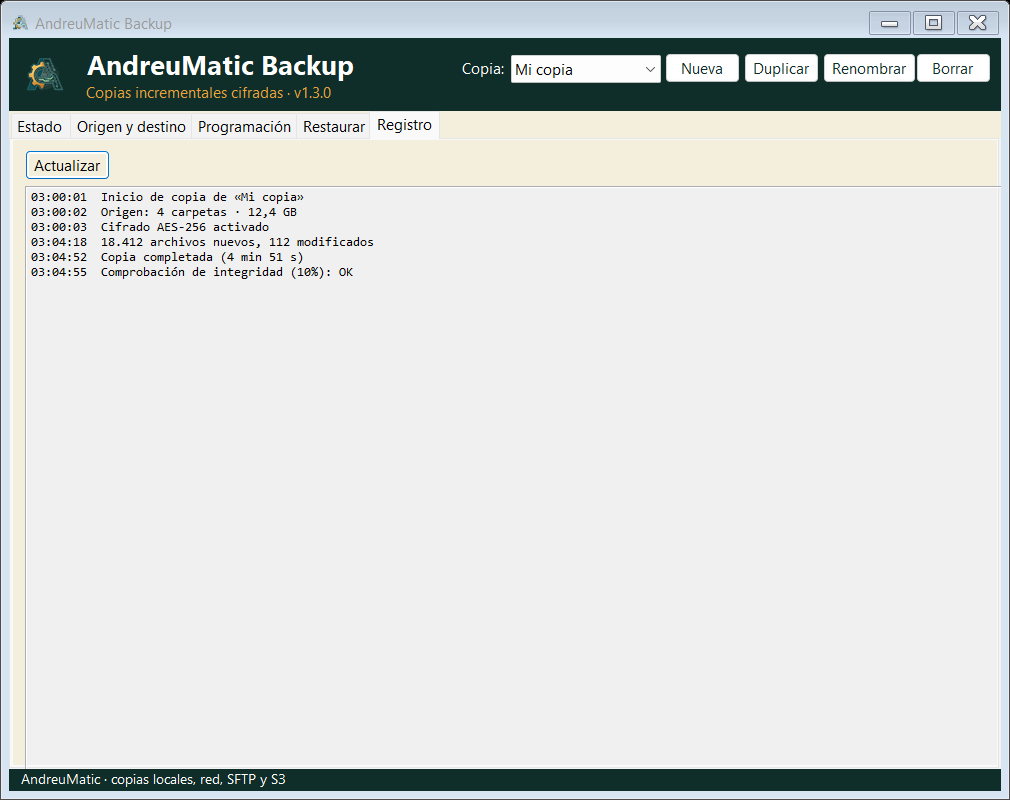
Five sections, no hidden menus. Real screenshots of version 0.9.2 on a computer with sample data.
How it works
The first backup takes as long as your disk takes. From then on, only new data is copied.
It detects documents, desktop, pictures, videos, music, mail and browser profiles. You decide what goes in.
Disk, USB, network, SFTP or S3. You set an encryption key and, if you want, a second copy somewhere else.
Daily, weekly, monthly or yearly. The app creates the task in Windows and tells you if the computer was off.
The status tells you whether everything is fine. And if one day you need it, you restore by date without having to remember a thing.
Frequently asked questions
Yes. AMBackup 0.9.2 is free and every feature is unlocked from the moment you install it: no account, no fees and no limit on files or destinations. If you find it useful, you can make a voluntary PayPal donation to support development.
Wherever you decide: an external disk, another folder on the computer, a network drive, an SFTP server or S3-compatible storage. Backups are encrypted on your computer with AES-256 before they leave, and only you have the key. AndreuMatic never receives your files or the key, and the application includes no telemetry.
Without the key the backups cannot be decrypted, not even by us. There is no back door. Keep the key in a password manager or somewhere safe, separate from the disk where you store the backups.
Yes. You can choose daily, weekly, monthly or yearly backups, each with its own time. AMBackup creates the task in Windows Task Scheduler, so it works even when the application is closed, and if the computer was switched off it asks whether you want to run it now, postpone it or skip it.
It is designed for Windows computers at work and at home. It supports several profiles with their own folders and destinations, backups to the network or to SFTP/S3 servers, and command-line execution so you can hook it into your own tasks or scripts. It is not a centralised backup system for servers.
No. The wizard scans the computer and suggests what to back up: documents, desktop, pictures, videos, music, Outlook and Thunderbird mail, browser profiles and large folders. You only have to choose the destination, set a key and decide whether you want to schedule it.
No. The installer has no code signature because the certificate has an annual cost that a free project cannot cover. Windows SmartScreen shows a generic warning for any unsigned program: click More info and Run anyway. You can check the integrity with the SHA-256 published on the downloads page.
Yes, as long as the backup is on an external disk, on the network or in the cloud. Install AMBackup on another Windows computer (or use the command line), connect the destination and restore from the Restore section by choosing the date. You can also copy the repository folder to another disk before reinstalling Windows.
AMBackup is a .NET 9 desktop application for Windows and uses restic, a well-proven open-source backup engine, for encryption, deduplication, verification and retention. The interface just makes it convenient: the resulting repository can be opened with restic from any other computer.
No, if the destination is a local disk, a USB drive or a network drive in your home or office. You only need a connection if you choose to copy to SFTP, to an S3 service or if you enable the optional URL monitoring, which sends an alert when a backup fails.
A 47.04 MiB installer, no sign-up and no limits. If it helps you, you already know where the donate button is.